Email notifications
Introduction
In today’s fast-paced eCommerce environment, keeping customers informed through timely notifications is crucial. Joy Subscription’s Email Notifications feature allows you to fully customize the emails sent to customers and store owners, ensuring that every interaction is clear and professional. This guide will help you understand how to set up and customize these notifications.
Understanding the rule
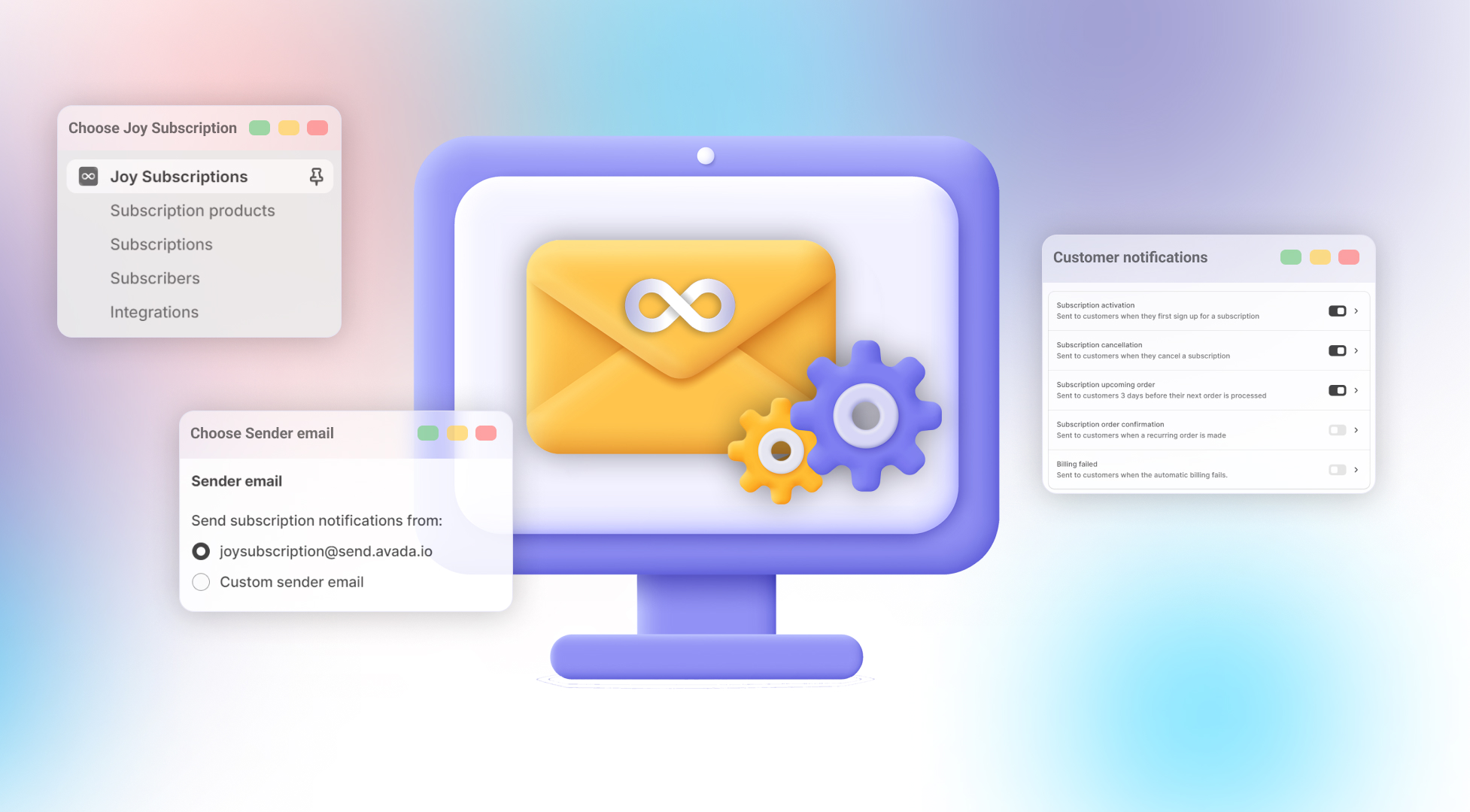
The Email Notifications feature consists of four main settings that control the flow of emails within your subscription service:
- Customize Email Template: Modify the look and feel of the emails your customers will receive, ensuring they match your brand and communication style.
- Sender Email: Set which email address will be displayed as the sender for all customer communications, ensuring professionalism and consistency.
- Customer Notifications: Manage the five essential customer notifications (e.g., Subscription activation, upcoming orders, and billing status) by turning them on or off and editing each template as needed.
- Store Owner Notifications: Ensure that merchants receive critical updates with three key notifications (e.g., Low stock alert, charge errors, and confirmations) so you’re always on top of your store's operations.
How to set up
To set up your email notifications, follow these steps:
- Open the
Joy Subscriptionapp. - Go to
Settingsand selectEmail Notifications.
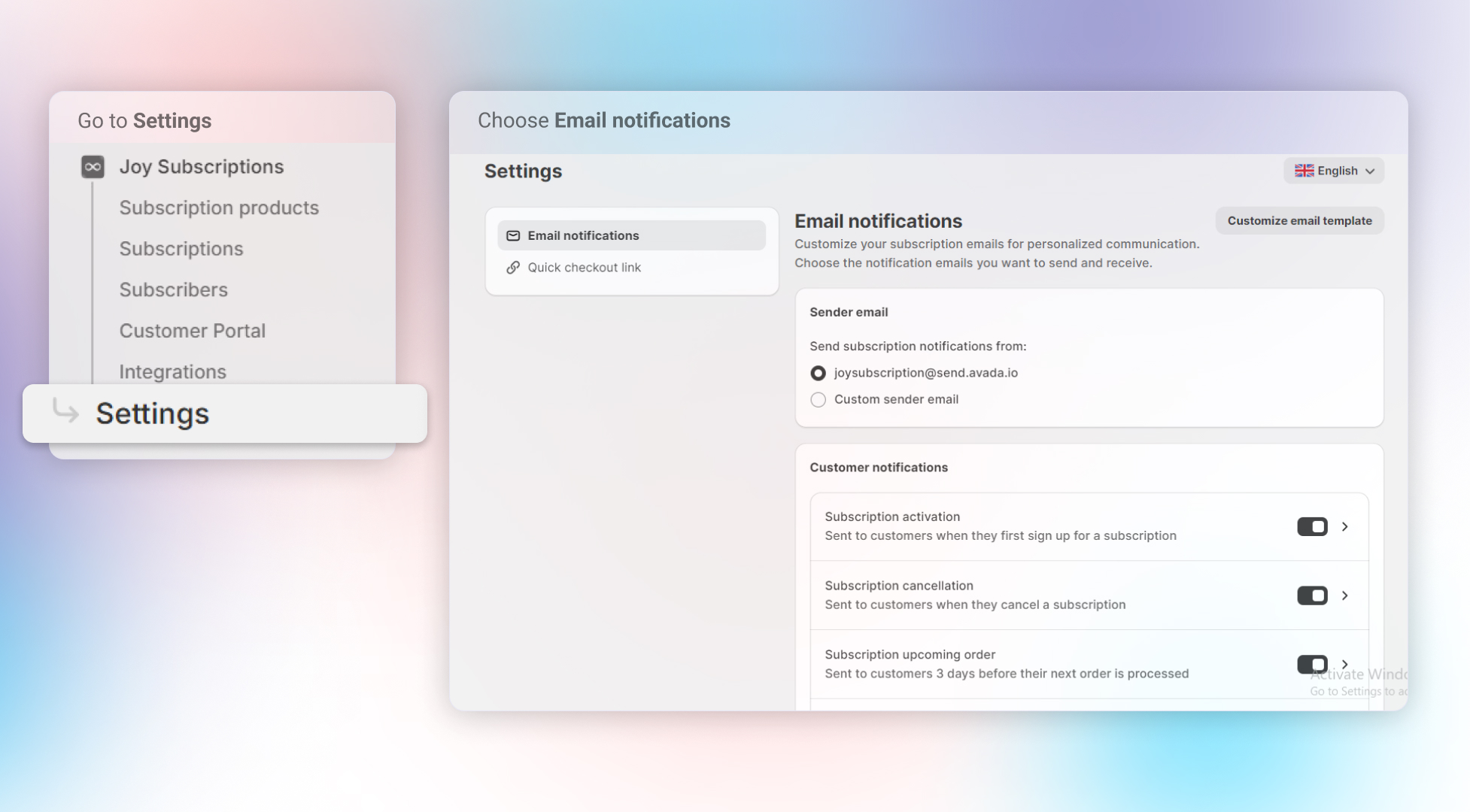
From here, you can customize and manage your email notifications for customers and store owners. To learn more about each setting, click on the banners below for detailed guides:
| Customize Email Template: Adjust the email design to match your brand's style. | ||||
| Sender Email: Set the email address that will appear as the sender for all communications. | ||||
| Customer Notifications: Manage and edit five key notifications, including subscription activation and billing updates. | ||||
| Store Owner Notifications: Get alerts for stock levels, charge errors, and confirmations to stay updated on operations. |
Overall
Joy Subscription’s Email Notifications feature gives you complete control over your communication with customers and store owners. By customizing templates, managing the sender's email, and selecting which notifications to send, you can create a professional, automated email system that works for your business. This feature helps streamline customer communication, improve transparency, and keep both merchants and customers informed every step of the way.