Widget
The Widget section gives you complete control over how your subscription options appear to customers on product pages. From choosing layouts and color schemes to controlling which countries can see subscription offers, Widget customization helps you create a branded, targeted subscription experience.
Key Features
Visual Customization 🎨
- 5 Layout Options: Choose how information is organized and displayed
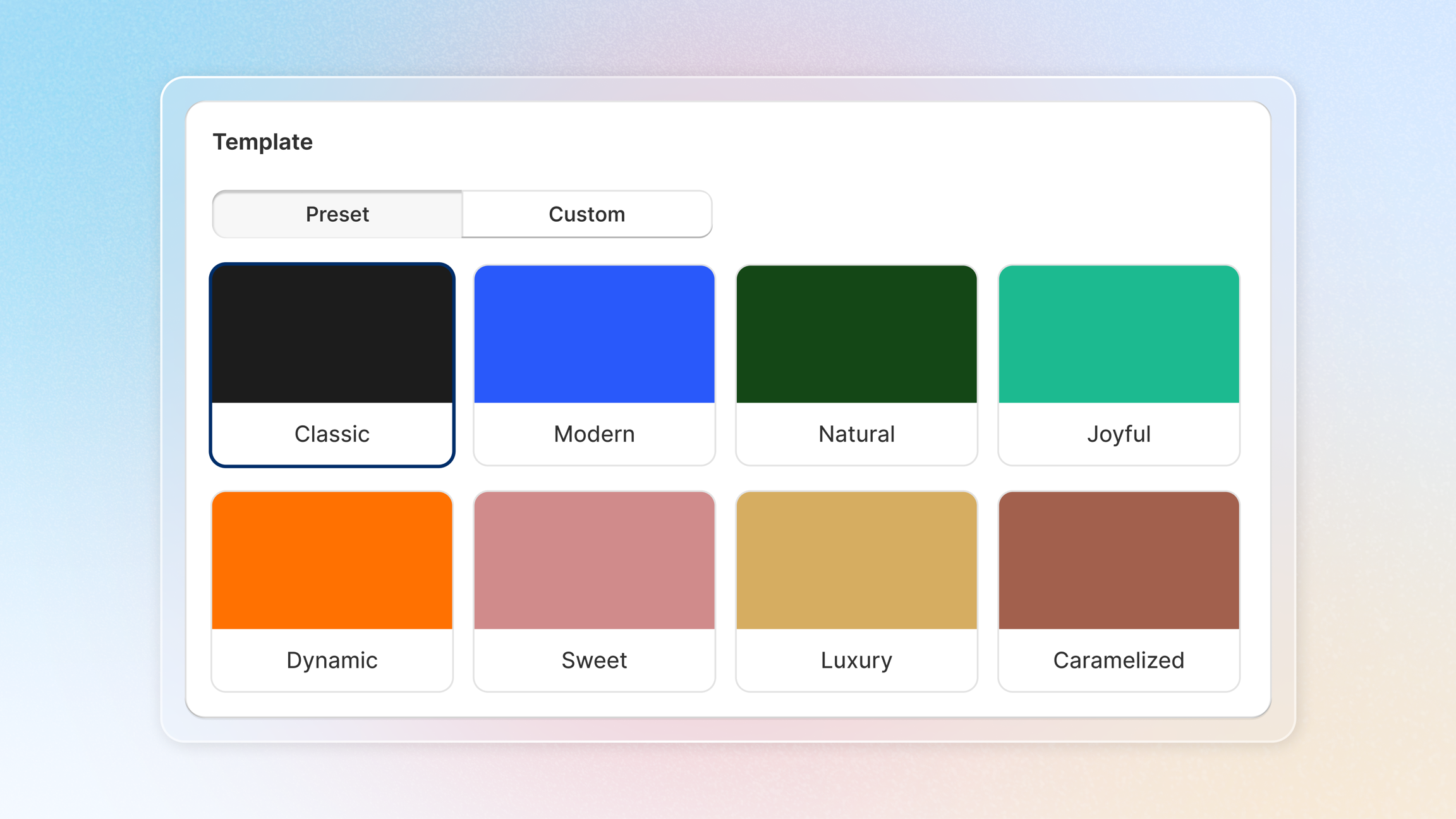
- 8 Color Templates: Preset themes that match different brand aesthetics
- Custom Colors: Match your exact brand colors
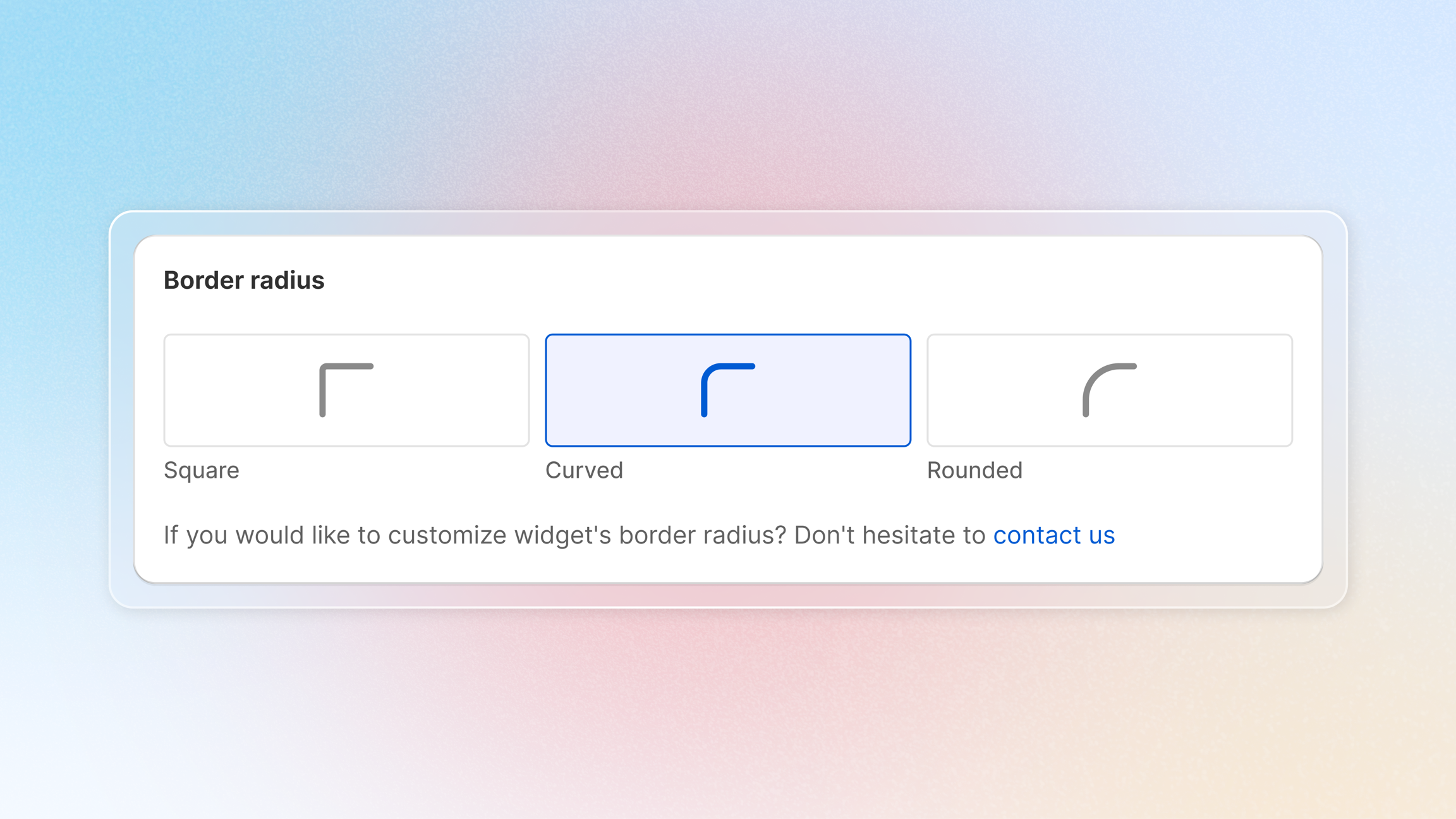
- Border Radius: Square, curved, or rounded corners
- Custom CSS: Advanced styling for complete control
Display Settings 🎭
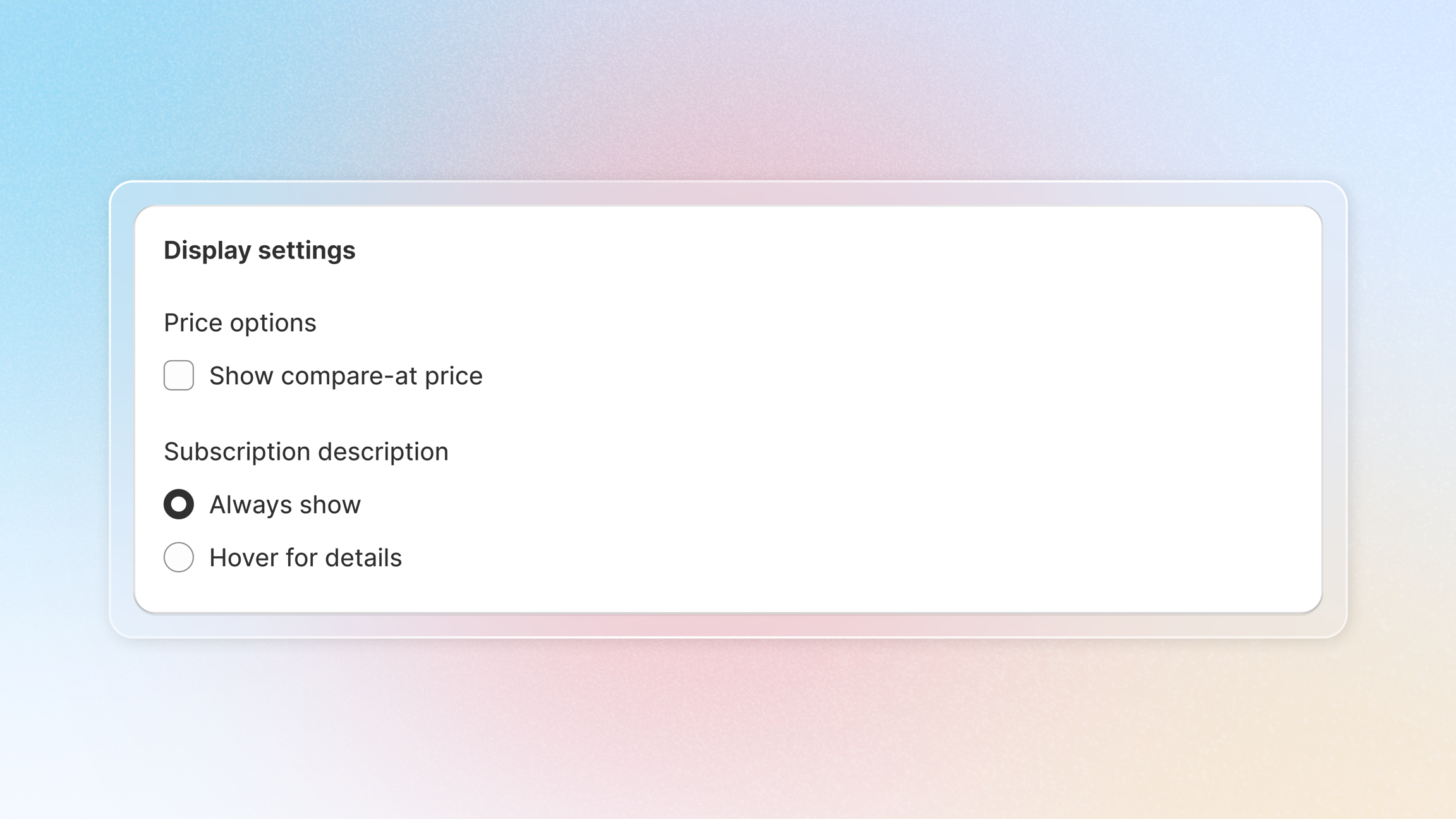
- Price Options: Show or hide compare-at pricing
- Subscription Description: Always show or hover to reveal
- Live Preview: See changes in real-time as you customize
Country Availability 🌎
- Geographic Control: Choose which countries see subscription options
- IP-Based Detection: Automatic country identification
- Smart Fallback: Widget displays if location cannot be determined
Warning:
This feature is only available for Advanced plan.
Why need Country Availability
Many merchants want to offer subscriptions only in specific countries due to:
| 🌎 Fulfillment limitations | 🚚 Logistics challenges | ♟️ Regional business strategy |
|---|---|---|
| Shipping partnerships limited to certain regions | International shipping costs making subscriptions unprofitable | Testing subscriptions in home market before expanding |
| Warehouse locations serving specific countries | Customs and import restrictions | Different model strategies by region |
| Delivery time constraints for perishable products | Complex cross-border regulations | Local competition requiring different approaches |
Layout Customization
Choosing Your Layout
Joy Subscriptions offers 5 widget layouts to fit different product page designs:
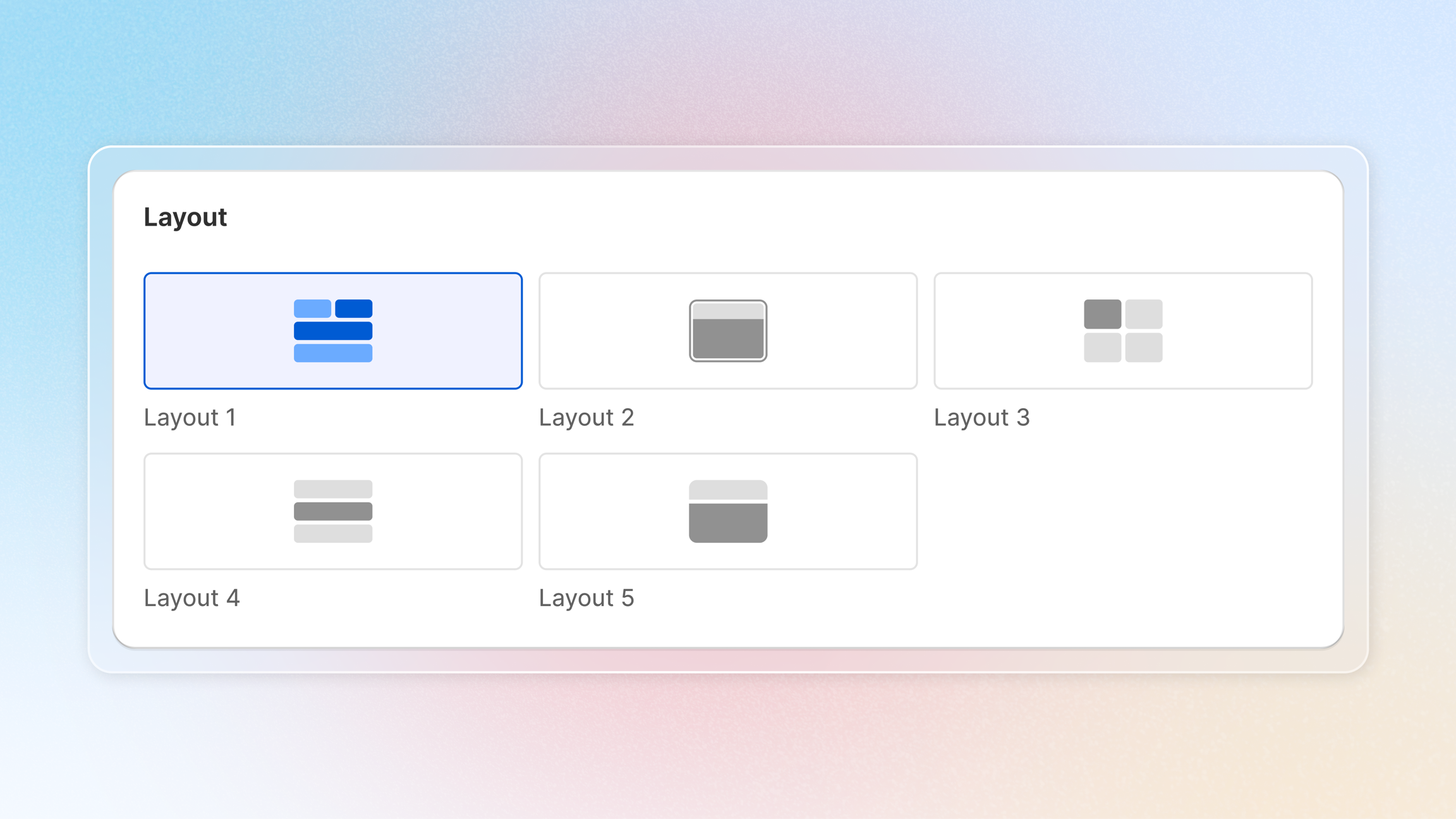
Template Colors
Choose from 8 preset color templates designed for different brand aesthetics or you can customize it yourself.
Border Radius
Choose the corner style for your widget elements
Display settings
Country Availability (Advanced Plan only)
Country Availability lets you control which countries can see and purchase subscription options based on customer location.
How It Works
IP-Based Detection:
- Customer visits your product page
- System detects their IP address
- IP address is matched to a country
- Widget displays or hides based on your settings
Display Logic:
| Customer Location | Widget Behavior |
|---|---|
| Selected country | Widget displays normally |
| Non-selected country | Widget completely hidden |
| Cannot detect location | Widget displays (safe fallback) |
Setting Up Country Availability
-
Access Country Availability
- Go to Widget in Joy Subscriptions
- Scroll to the "Country availability" section
-
Select Countries
- Click "Select" button (or "Edit" if you've already configured it)
- Choose from two methods:
- Method A: Select Individual Countries
- Check boxes next to countries where you want to offer subscriptions
- Search for specific countries if needed
- Method B: Select Regions
- Choose entire regions (e.g., "European Union", "North America")
- All countries in that region are automatically selected
- Method A: Select Individual Countries
-
Review and Save
-
Review your selected countries/regions
-
Click Save
-
Check this interactive demo to see the steps in actions.