EComposer Landing Page Builder
What is EComposer Landing Page Builder
EComposer Landing Page Builder is a powerful and user-friendly Shopify app that allows merchants to create stunning, high-converting pages and sections for their store without any coding knowledge.
Featuring a live drag-and-drop editor, it enables users to design and customize landing pages, homepages, product pages, collection pages,... with ease.
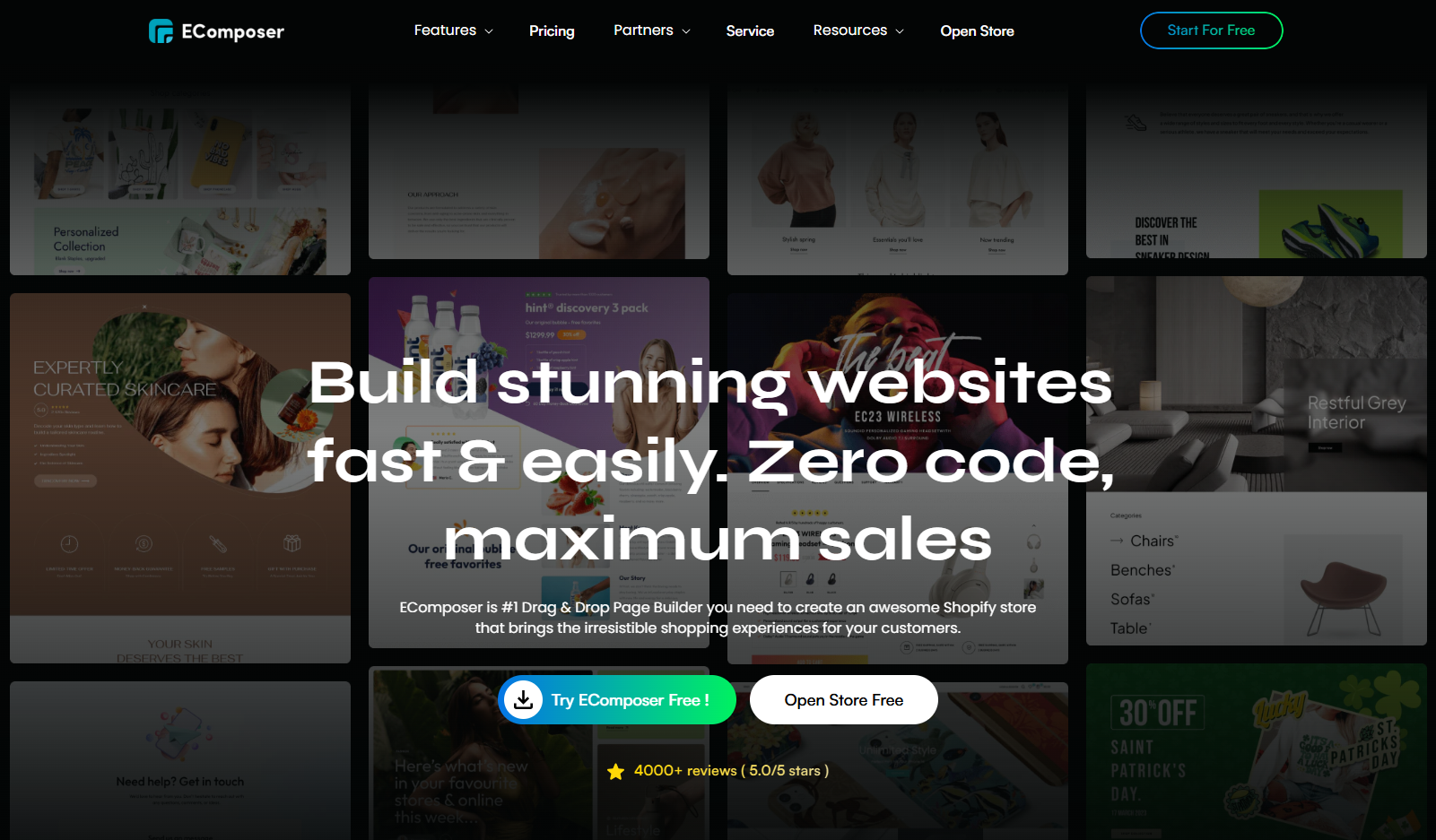
Packed with a rich design library offering countless page layouts, section templates, and elements, EComposer simplifies the page-building process while maintaining a Shopify-standard UI.
EComposer ensures your store stays fast with speed-optimized tools and lazy loading features. With advanced capabilities like global blocks, AI content generation, and detailed page analytics, it’s the ultimate page builder for Shopify stores.
How to use EComposer Landing Page Builder with Joy Subscription
Get EComposer Landing Page Builder
Note:
Before start, please install the app here (opens in a new tab).
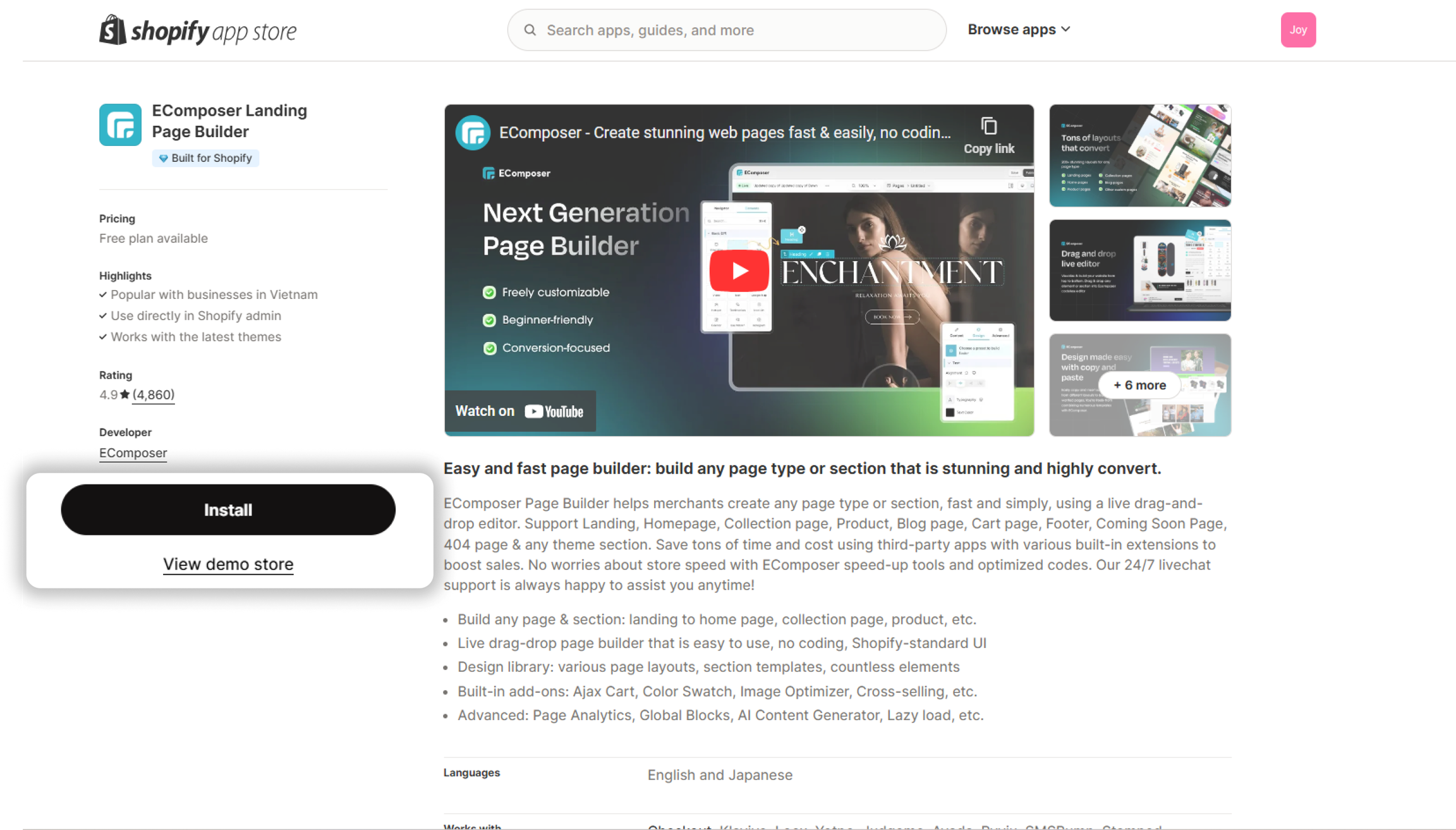
Use EComposer Landing Page Builder with Joy Subscription
Below is the step-by-step guide to activate Joy Subscription in EComposer Landing Page Builder.
-
Open EComposer from your Shopify account
Navigate to search bar and search for EComposer Landing Page Builder
-
Start building
Click on
Start buildingbutton -
Choose Product page type and template
Choose
Productfrom page types list and a template you like -
Set up general page info
Fill out Template name, Template slug and Header & Footer for your new page
-
Install Joy Subscription
Navigate to Extension library, search for Joy Subscription and Install it.
-
Add Joy Subscription widget
Find Joy Subscription under
Elements > Extensionsand drag & drop its section to your preferred location in product page. -
Save & Publish
Save and publish your page
-
View how it looks on your store
All done! Now your Product page is ready with attractive theme from EComposer and engaging subscription from Joy Subscription!