Customer Notifications
This guide helps you turn customer subscription emails on or off and edit each email's subject, reply address, and content.
Introduction
Customer notifications are essential for keeping your customers up to date with their subscription status. Joy Subscription allows you to manage and customize the notifications customers receive after interacting with your store, ensuring a seamless and informative customer experience.
Understanding the rule
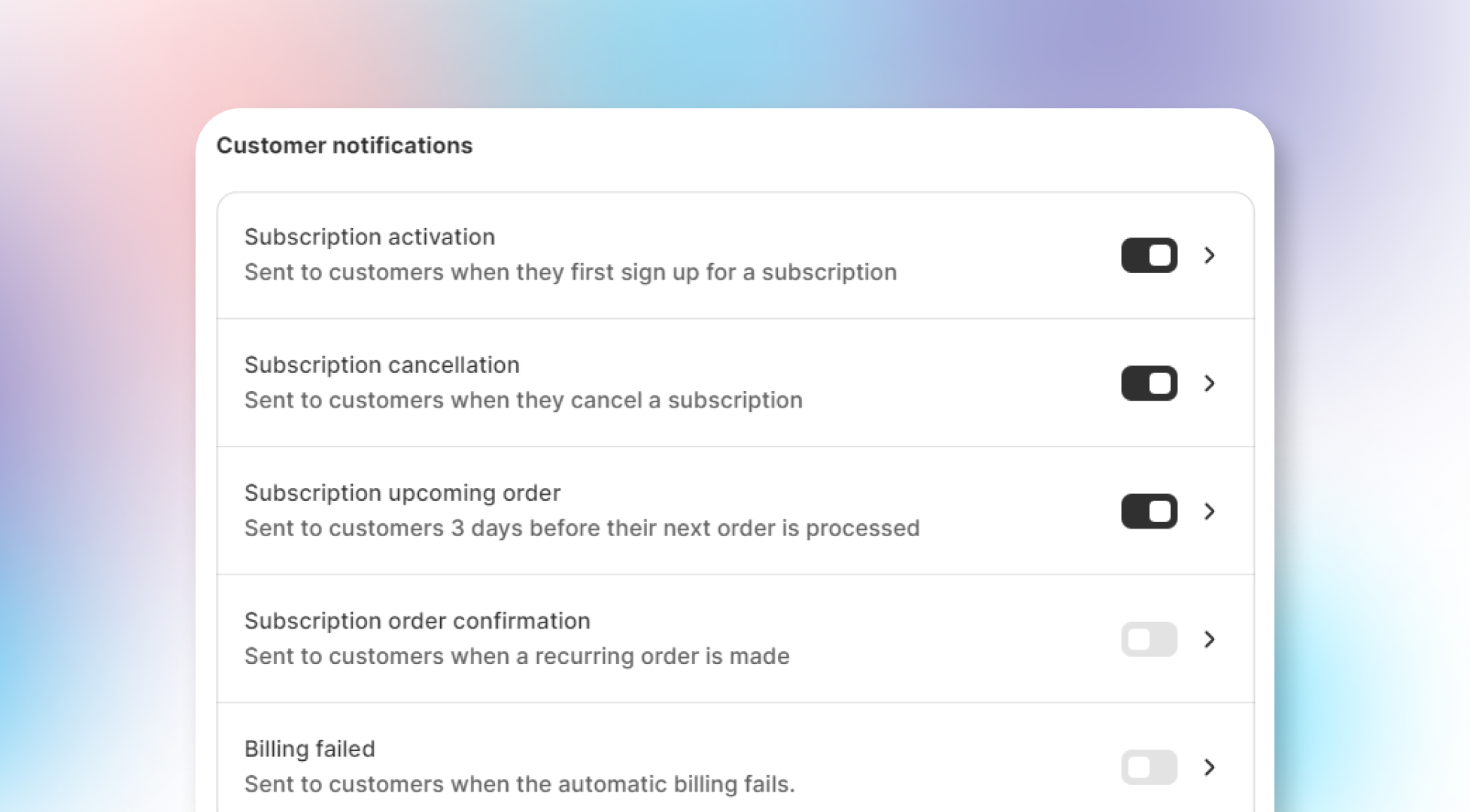
These are the key notifications customers can receive from Joy Subscriptions. You can choose to enable or disable any of the following:
- Subscription activation: Sent when customers first sign up for a subscription.
- Subscription cancellation: Sent when customers cancel a subscription.
- Subscription upcoming order: Sent 3 days before the customer's next order is processed.
- Subscription order confirmation: Sent when a recurring order is placed.
- Billing failed: Sent when the automatic billing attempt fails.
You can also click on each notification to customize the email template. Within the template settings, you can modify the following:
- Subject: The email’s subject line.
- Reply email: The email address customers can reply to.
- Content: The body of the email sent to customers.
How to set up
To configure customer notifications:
Go to Settings
Go to Settings.
Select Email Notifications
Select Email Notifications.
Choose Customer Notifications
Choose Customer Notifications.
Enable, disable, and edit
Enable or disable notifications and click on each to edit its template as needed.
Overall
Customer notifications help you maintain clear communication with your customers. By customizing these notifications, you ensure that customers are well-informed and that the messages reflect your brand’s identity.
Related articles
- Customize email template
- Sender email
- Store owner notifications
- Why cannot I see my test email in the inbox or spam box?