Change order schedule
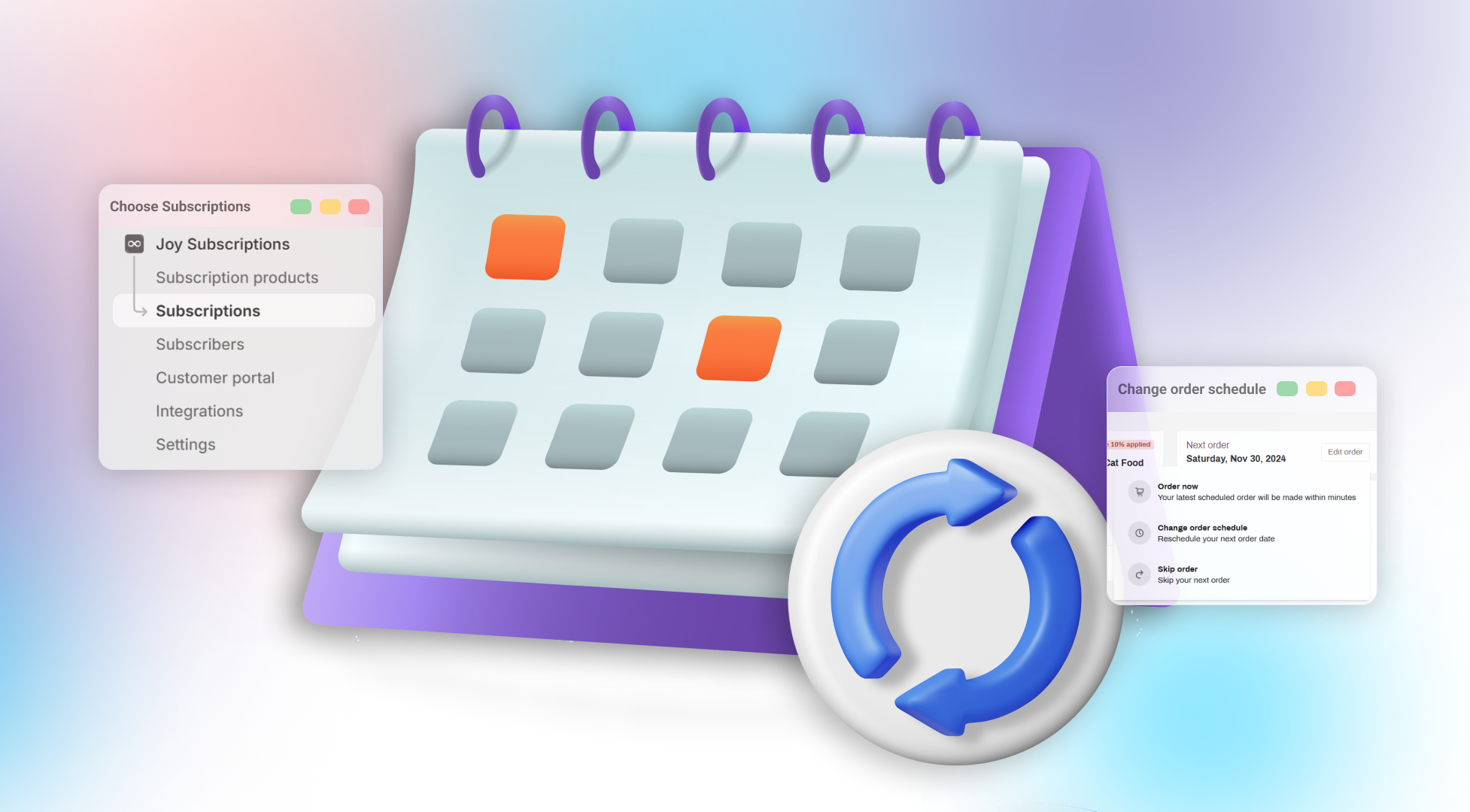
This article helps you and your customers move the next subscription delivery to a different date.
Introduction
The Change Order Schedule feature is designed to provide both merchants and customers with flexibility in adjusting upcoming subscription delivery dates. This capability ensures that you receive your products when they are most convenient for you, enhancing overall satisfaction with your subscription experience.
Understanding the rule
This new feature allows customers to modify the delivery date for their next subscription cycle. For example, if you’re subscribed to monthly cat food deliveries set to arrive on the 25th of each month, you can reschedule to receive your delivery earlier, such as on the 22nd, when needed.
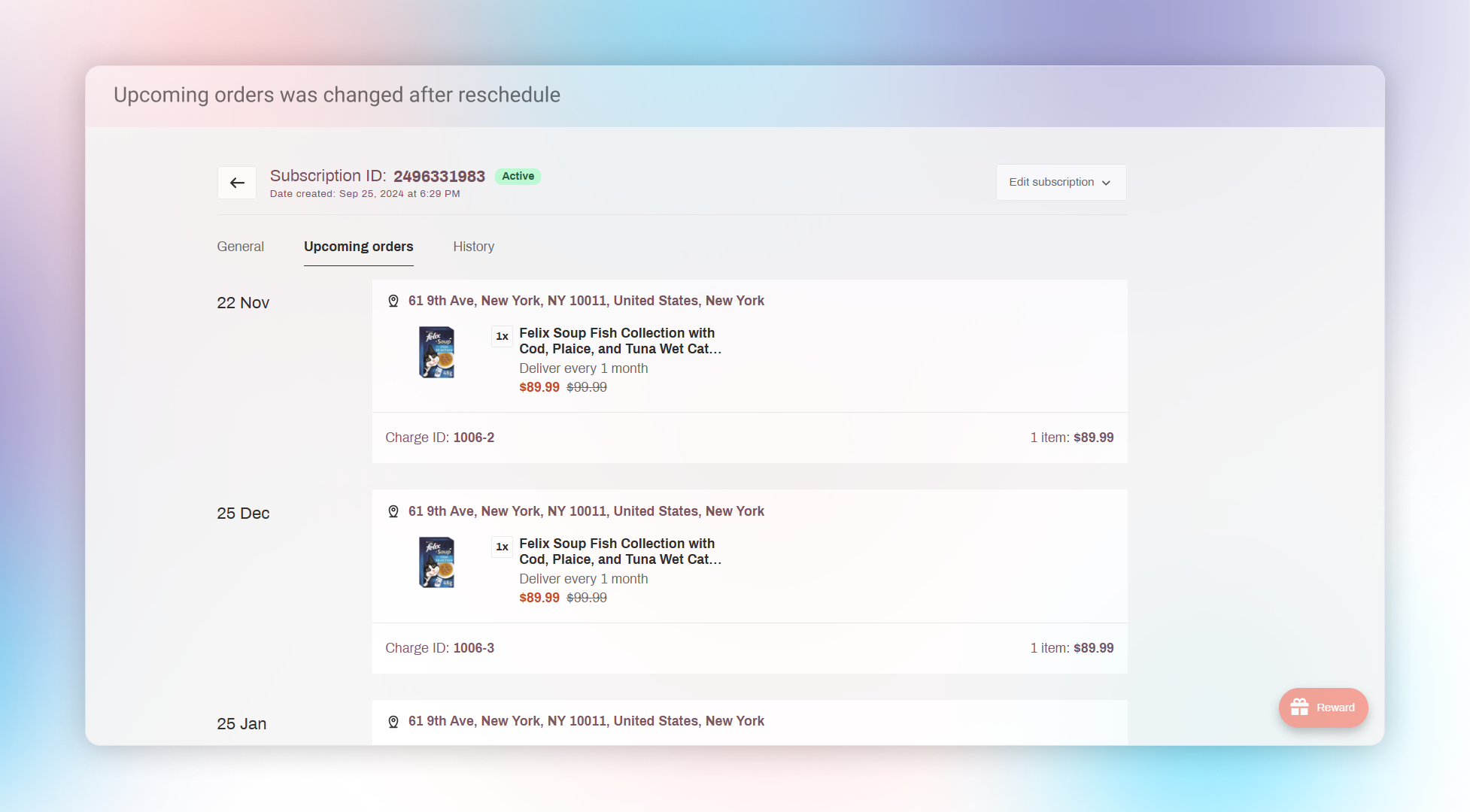
The Change Order Schedule feature benefits both merchants and customers, giving both parties the ability to manage and adjust subscription deliveries seamlessly.
How to set up
For merchants:
Open Joy Subscription
Access Joy Subscription app.
Go to Subscriptions
Navigate to Subscriptions.
Select the subscription
Select the subscription you need to reschedule.
Open upcoming orders
Choose upcoming orders.
Reschedule
Click Reschedule under the action section and select your desired date.
For customers:
Open the Customer Portal
Go to the Customer Portal.
Choose the subscription
Choose the subscription you want to reschedule.
Select edit order
Select edit order.
Pick a new date
Pick the new delivery date you want.
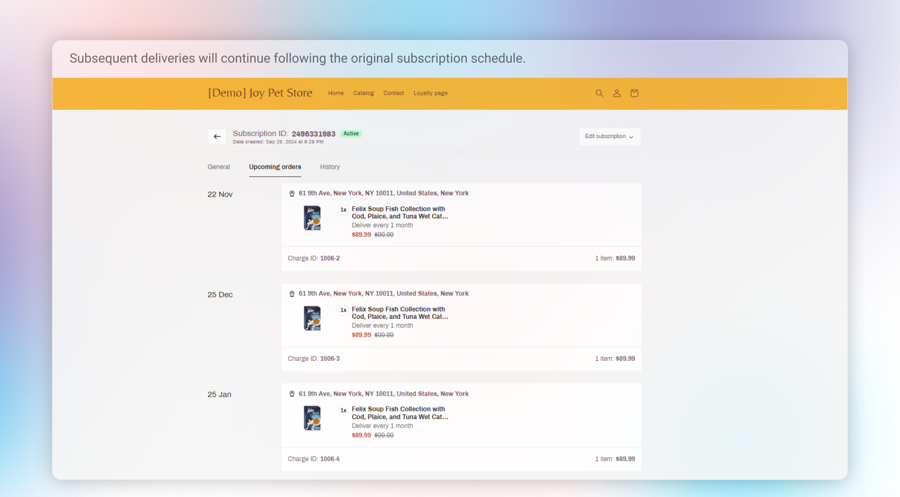
Note: For customers, the Change Order Schedule feature only affects the immediate upcoming cycle. Subsequent deliveries will continue following the original subscription schedule.
Overall
With the Change Order Schedule feature, merchants and customers can have greater control over subscription delivery timing, ensuring a more tailored and flexible experience.